

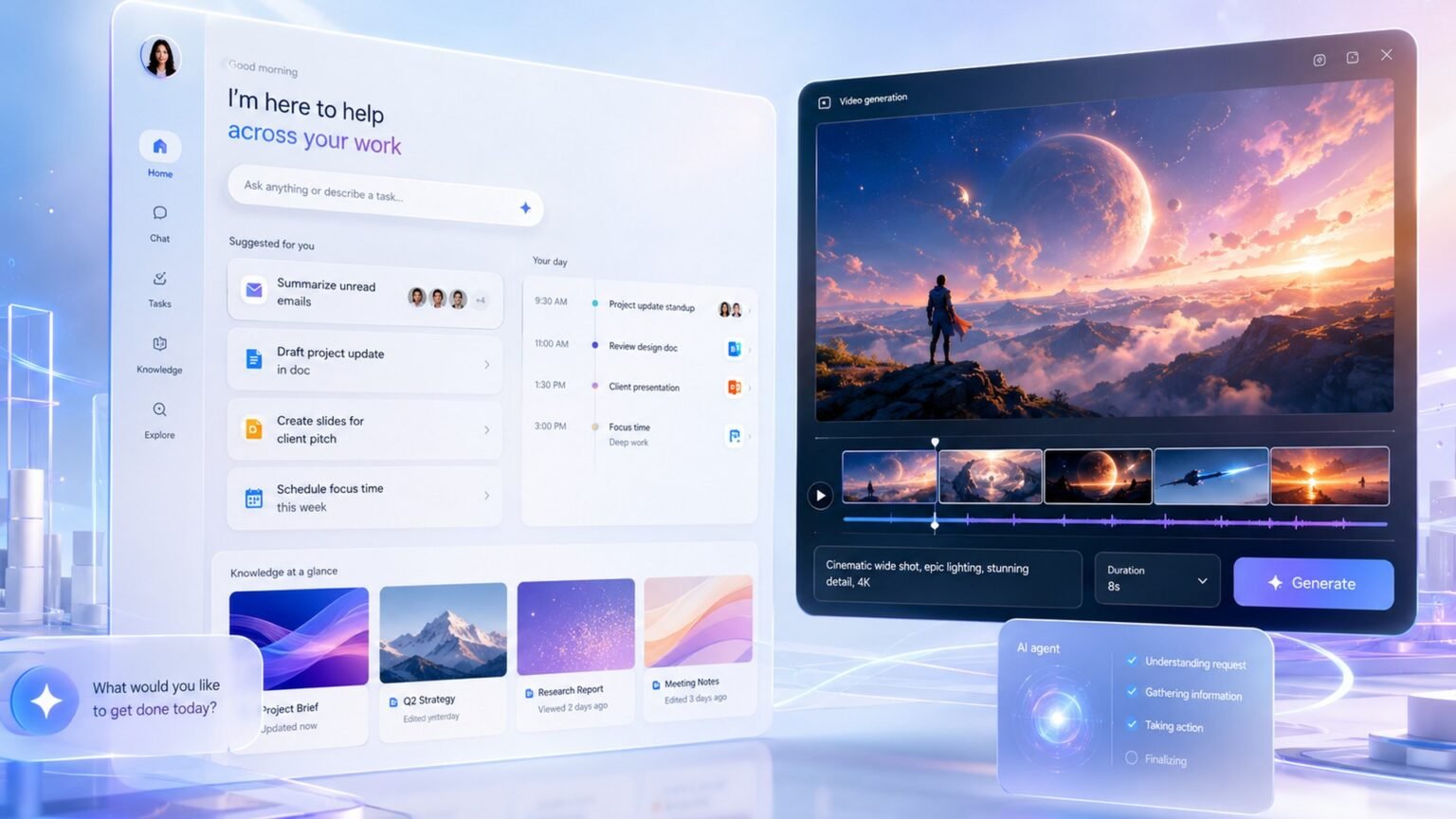

Google’s 24/7 agent runs on cloud VMs even with your devices off. Here is what Gemini Spark actually is, what it costs, and how it beats ChatGPT Agent.
What is Gemini Spark, in one paragraph?
Gemini Spark is Google’s 24/7 personal AI agent, announced at Google I/O 2026 on May 19, that runs continuously on dedicated virtual machines in Google Cloud and takes multi-step actions across your apps even while your phone and laptop are turned off. Unlike the chatbot in the Gemini app, which answers a question and stops, Spark is a persistent agent: you delegate a goal, it works in the background, and it checks in when it needs you. That is the whole pitch in one line, and it is why the question ‘what is Gemini Spark’ has a different answer from ‘what is Gemini.’
Under the hood, Spark runs on the Gemini 3.5 Flash model and Google‘s Antigravity agent harness, which handles long-running planning loops and can spawn sub-agents in parallel. Because the work happens on a cloud VM rather than on your device, a task like ‘scan my Drive every Monday and rebuild this tracker’ keeps running with your laptop closed. That always-on cloud execution is the single biggest thing that separates Spark from the browser-tab agents most competitors shipped this year.
The thin explainers floating around since the keynote stop at ‘it is a 24/7 assistant that costs $100.’ That is true but useless. The rest of this guide covers what they skip: how Spark is wired into your apps, the exact safety model for spending your money, where it overlaps Google’s separate enterprise agent platform, and its lineage from the discontinued Project Mariner.
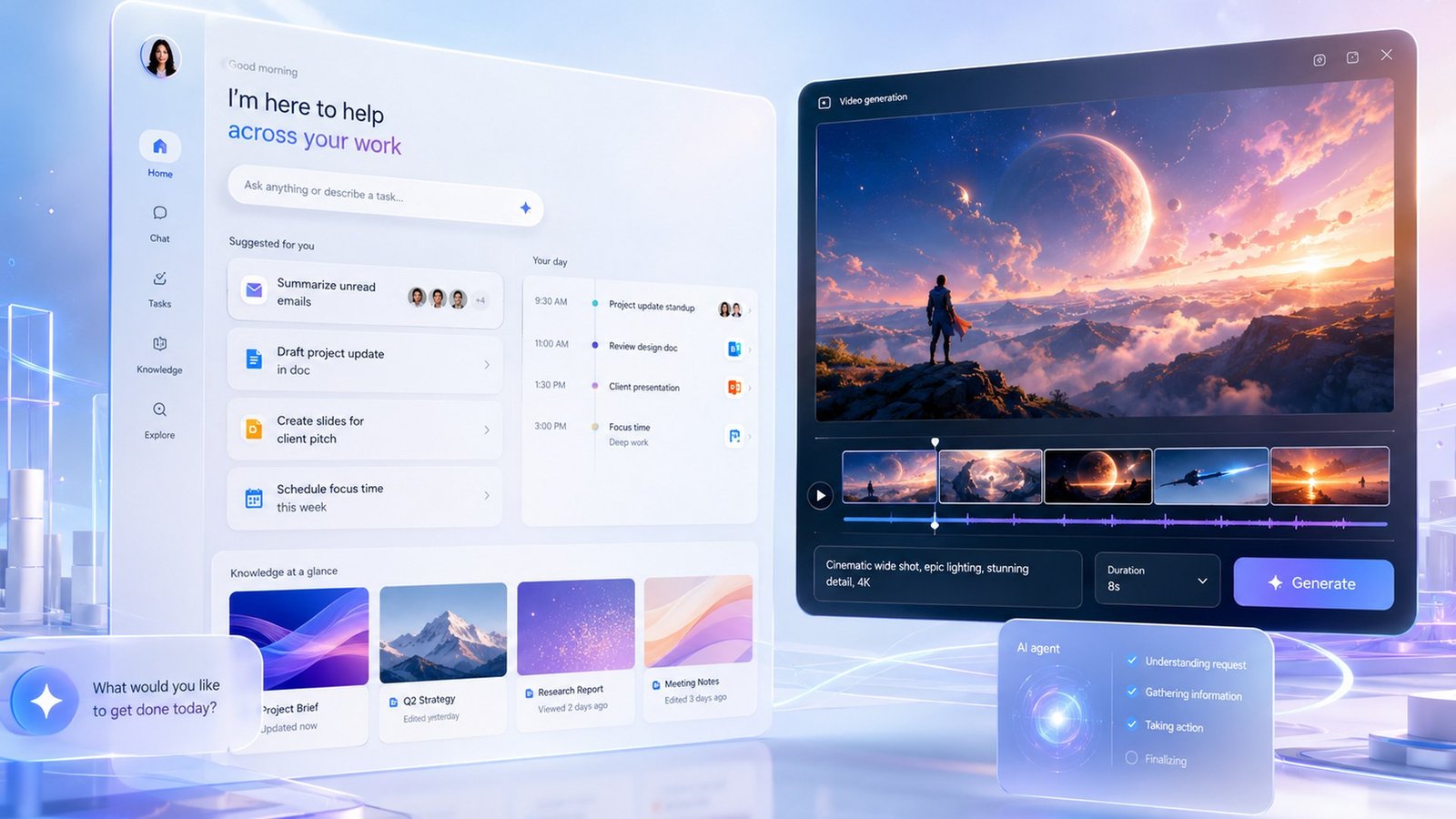
Gemini Spark = a cloud-hosted, always-on agent built on Gemini 3.5 Flash + the Antigravity harness. It connects to Google Workspace through structured APIs (not screen-reading), is organized around Tasks, Skills, and Schedules, requires a Google AI Ultra subscription starting at $100/month, and cannot spend money or email outsiders without your explicit confirmation.
How does Gemini Spark work? Tasks, Skills, and Schedules
Gemini Spark works by connecting to your Google apps through structured API integrations and organizing everything you delegate into three primitives: Tasks, Skills, and Schedules. Understanding those three is understanding Spark, because every workflow you build is some combination of them.
Tasks are the one-off or multi-step jobs you hand off, like ‘find and track interior-design internships in New Orleans’ or ‘scan my Drive and organize files into a tagged spreadsheet.’ A task can chain across Gmail, Docs, and Sheets from a single prompt. Skills are reusable behavioral templates you define once and invoke repeatedly: teach Spark your email tone or how you format a weekly report, and it reuses that pattern instead of forcing you to re-prompt. Per Google, Spark can even distill a Skill by analyzing your past outputs. Schedules are time-based or conditional triggers that fire a task automatically, like a Monday-morning meeting brief or ‘when a contract PDF lands in my inbox, summarize it.’
The mechanism that makes this reliable is the integration method. Spark reaches Gmail, Calendar, Drive, Docs, Sheets, Slides, YouTube, and Maps through structured Workspace APIs, not by reading pixels off the screen. That means it asks the Gmail API for your messages rather than visually parsing a rendered inbox. Structured calls are more predictable, faster, and cheaper than pixel-level automation, and they are far less likely to break when an app’s UI changes. Where Google lacks a native connector, Spark can fall back to acting through Chrome on the web and on Android via a system called Halo, and it can reach third-party tools over MCP.
| Primitive | What it is | Example |
|---|---|---|
| Tasks | One-off or multi-step jobs delegated to the agent | “Scan my Drive and organize files into a tagged sheet” |
| Skills | Reusable behavioral templates defined once, invoked repeatedly | “Always draft replies in my voice and CC my assistant” |
| Schedules | Time-based or conditional triggers that fire a task | “Every Monday 7am, build my week’s meeting brief” |
How much does Gemini Spark cost? The AI Ultra price
$100/mo
Gemini Spark price floor
via Google AI Ultra (cheapest access tier)
20TB
Storage bundled with AI Ultra
plus YouTube Premium and 5x Gemini Pro limits
US, 18+
Launch availability
trusted testers + AI Ultra subscribers
Gemini Spark requires a Google AI Ultra subscription, which starts at $100 per month and is the cheapest way to get access. There is no standalone Spark tier and no free version at launch. The $100 AI Ultra plan also bundles 20TB of storage, YouTube Premium, and 5x the usage limits of the Gemini Pro plan, so the price is partly a Spark fee and partly a premium-everything bundle.
Google also offers a higher tier at roughly $200/month (reported with a 30TB storage allotment and 20x usage limits) that adds capacity and access to additional experimental features. But for the specific question of the Gemini Spark price, the answer is simple: $100/month via AI Ultra is the floor. If you are comparing that against rivals, ChatGPT’s Workspace Agents are rolling out through business and enterprise plans on a credit-based consumption model rather than a flat consumer fee, and Anthropic’s Claude Managed Agents bill at $0.08 per session-hour plus standard token rates. Those are different pricing philosophies, which we break down in the comparison below.
One caveat worth stating plainly: because Spark runs on dedicated cloud VMs that you do not pay for per-hour, the $100 is an all-you-can-reasonably-use subscription rather than metered compute. That is friendlier for predictable budgeting than pay-per-session pricing, but it also means heavy automation does not get cheaper at scale the way a usage-metered agent might.
Is Gemini Spark safe? The confirmation and audit-trail model
Yes, Gemini Spark is built so it cannot complete a high-stakes action like spending money or emailing an outsider without your explicit confirmation, and every such action is logged in a full audit trail. This is the part the keynote-parroting explainers gloss over, and it is the most important thing to understand before you let an always-on agent touch your inbox or your card.
Concretely: Spark cannot finish a purchase on its own. The confirmation can be a tap in the Gemini app, a spoken ‘yes,’ or a desktop notification you approve, but it has to happen. The same gate applies to sending external email. App connections are off by default, so you explicitly choose which of Gmail, Calendar, Drive and the rest the agent may touch, and you can revoke any of them or disable Spark entirely. On the spending side, the model supports a per-transaction cap, a daily cap, and a category allowlist, so you can tell it groceries are fine, subscriptions need a prompt, and everything else is forbidden.
The audit trail is the other half of the safety story. Every transaction and high-stakes action creates a durable record of what Spark did, when, and with whose approval. If a charge looks wrong, you have a complete log to review and dispute against. Google’s own guidance still recommends caution: do not paste passwords into chat, and think twice before scheduling high-stakes recurring actions, because the model can make mistakes. That candor is healthy. An agent that runs while you sleep should be judged on its guardrails, not its demos.
Pros
Cons
Set a low per-transaction cap and a strict category allowlist before connecting any payment method. Treat the audit trail as your reconciliation log, and never schedule an unattended recurring purchase you would not approve manually each time.
Gemini Spark vs the Gemini app: what’s the difference?
The Gemini app is a chatbot that responds to you in a single session; Gemini Spark is a persistent agent that runs 24/7 on cloud VMs and takes actions across your apps without you watching. They share the Gemini brand and underlying models, but they are different products with different jobs.
When you ask the Gemini app a question, it answers and the interaction ends. It can use tools within that conversation, but it does not keep working after you close the tab, and it does not own a long-lived workspace. Spark does. You delegate a goal, it spins up background work on a Google Cloud VM, and it persists across days through Schedules and Skills. The Gemini app is reactive; Spark is proactive and durable.
Practically, you reach for the Gemini app for research, drafting, and quick answers, and you reach for Spark when you want a standing process: an inbox that triages itself, a tracker that rebuilds weekly, a brief that lands every morning. Spark lives inside the broader Gemini experience and can be emailed directly at a dedicated Gmail address, but it is the agentic layer, not the chat layer.
| Dimension | Gemini app (chatbot) | Gemini Spark (agent) |
|---|---|---|
| Runs when you’re away | No — session ends when you stop | Yes — 24/7 on cloud VMs, device can be off |
| Primary job | Answer questions, draft content | Execute multi-step tasks across apps |
| Persistence | Per-conversation | Durable via Tasks, Skills, Schedules |
| Takes real-world actions | Limited, in-session | Yes, with confirmation gates |
| Price | Included in free/Pro tiers | Requires AI Ultra ($100/mo) |
Gemini Spark vs ChatGPT Agent vs Claude Managed Agents
The defining difference is how each agent reaches your apps: Gemini Spark uses structured Workspace APIs, ChatGPT Agent/Operator drives a browser by reading and clicking the screen, and Claude Managed Agents run code in a sandboxed cloud runtime. That one architectural fork shapes reliability, cost, and what each can actually do.
Spark’s structured-API approach is the most predictable for Google Workspace work and the only one of the three that runs always-on on dedicated VMs with your device off. ChatGPT’s agent (the lineage that began with Operator) is the most universal because it can operate any website a human can, but pixel-level screen-reading is slower and more brittle when UIs change. Claude Managed Agents sit in the middle for consumers but shine for developers: a single API call spins up a sandboxed, policy-controlled runtime billed at $0.08 per session-hour, which is the cleanest model if you are building rather than delegating personal chores.
On price, the three reflect three philosophies. Spark is a flat $100/month bundle (via AI Ultra). ChatGPT’s Workspace Agents use credit-based, pay-per-use consumption aimed at business and enterprise plans rather than a flat consumer price. Claude Managed Agents meter at $0.08/session-hour plus token costs. None is strictly cheapest; it depends on whether you want predictable subscription billing or pay-for-what-you-use metering.
“The agent wars of 2026 aren’t about who has the smartest model. They’re about who reads your app’s API versus who reads your app’s pixels.”
Alatirok analysis
| Capability | Gemini Spark | ChatGPT Agent / Operator | Claude Managed Agents |
|---|---|---|---|
| Integration method | Structured Workspace APIs (+ browser/MCP fallback) | Pixel-level screen-reading of a browser | Sandboxed cloud runtime running code/tools |
| Always-on (cloud VM, device off) | Yes | No — session-based | No — session-based |
| Best at | Google Workspace automation | Any website a human can use | Developer-built, policy-controlled agents |
| Price model | Flat $100/mo via AI Ultra | Credit-based pay-per-use (business/enterprise) | $0.08/session-hour + token rates |
| Confirmation for spending/email | Required, with audit trail | Per-product guardrails | Developer-configured guardrails |
Where Gemini Spark fits: enterprise platform and the Project Mariner lineage
Gemini Spark is the consumer face of a much larger stack: the same Antigravity harness underpins Google’s separate Gemini Enterprise Agent Platform and its Managed Agents API, which is the right product to evaluate for work, not Spark. Confusing the two is the most common mistake people make after the keynote.
Spark is a polished, opinionated consumer agent for one person’s digital life, gated behind AI Ultra. The Gemini Enterprise Managed Agents API (the developer-facing core, formerly associated with Vertex AI’s agent tooling) is REST-first and configuration-driven: a single API call spins up a custom agent in a Google-hosted secure environment with sandboxed runtimes, configurable network policy, and centralized governance. Teams declare agents in config files, commit them to version control like any infrastructure-as-code artifact, and inherit enterprise data privacy automatically. If your question is ‘should my company use Google for agents,’ the answer lives in that platform, not in Spark.
Spark’s capabilities also have a clear ancestry. Its web-navigation muscle was inherited from Project Mariner, Google DeepMind’s browser-controlling research agent that hit a state-of-the-art 83.5% on the WebVoyager benchmark as a single agent. Mariner was a screen-reading, Gemini 2.0-era prototype that Google quietly shut down on May 4, 2026, folding its tech into Gemini Agent, AI Mode in Search, and Chrome. So Spark is structured-API-first by design, but when it must act on a site without a connector, it leans on the very browser-control IP Mariner pioneered. The pixel-reading approach did not win; it became the fallback under a more reliable architecture.
Spark = personal, always-on, structured-API agent for your own Google life ($100/mo). Gemini Enterprise Managed Agents API = the governed, IaC-style platform for building agents at work. Project Mariner = the discontinued screen-reading ancestor whose 83.5%-WebVoyager browser skills now serve as Spark’s fallback.
Gemini Spark availability: who can use it and when?
At launch, Gemini Spark is available to trusted testers and to Google AI Ultra subscribers aged 18+ in the United States, with broader availability rolling out over time. It is an experimental beta, not a finished general-availability product, so expect rough edges and a moving feature set.
Day-one functionality centers on inbox management, meeting briefs, recurring task automation, and a small set of third-party MCP integrations (Canva, OpenTable, and Instacart were named), with Google promising to progressively add more connectors. You access Spark through gemini.google or the Gemini app once your AI Ultra subscription is active. There is no Android-only or iOS-only gate beyond the regional and subscription requirements, though the Android experience adds the Halo progress-tracking system.
If you are outside the US or under 18, you are waiting for now. And if you are an organization rather than an individual, the relevant rollout to watch is the Gemini Enterprise Agent Platform, which targets business users on a different track than the consumer Spark beta.
Availability snapshot: US only, 18+, requires Google AI Ultra ($100/mo), experimental beta. Reach it at gemini.google or in the Gemini app. International and younger-user access had not been announcedBuilder’s take
I build agent infrastructure for a living at Cyntr and Loomfeed, so the part of the Spark launch that matters to me is not the demo. It is the architecture choice. Most consumer agents this year ship a screen-reading harness because it is fast to demo and works on any app. Google did the harder thing.
- The structured-API bet is the real story. Reading the Gmail API beats reading pixels of Gmail every time on reliability, latency, and cost. The trade is coverage: Spark only goes where Google has a connector, which is why MCP and the Mariner-style browser fallback still matter.
- Spark is the consumer skin on a much bigger stack. The same Antigravity harness powers the Gemini Enterprise Managed Agents API. If you are evaluating Google for agents at work, do not evaluate Spark. Evaluate the Managed Agents API, where you get sandboxed runtimes, network policy, and infrastructure-as-code.
- The confirmation-plus-audit-trail model is the right default and I wish more vendors copied it. An agent that physically cannot spend money without a tapped ‘yes’ and that logs every action is far easier to trust than one that promises to behave.
- Watch the lineage. Spark inherited Project Mariner’s web-navigation IP after Mariner hit 83.5% on WebVoyager and then got shut down. The browser-control muscle did not disappear; it became the fallback under a structured-first agent. That is the pattern to copy.
Frequently asked questions
Gemini Spark is Google’s always-on AI agent, announced at Google I/O 2026. It runs 24/7 on cloud virtual machines and completes multi-step tasks across your apps (like Gmail, Docs, and Sheets) even when your phone or laptop is off. Unlike the regular Gemini chatbot, which answers and stops, Spark keeps working in the background using Tasks, Skills, and Schedules.
Gemini Spark requires a Google AI Ultra subscription starting at $100 per month, which is the cheapest way to access it. That plan also bundles 20TB of storage and YouTube Premium. A higher tier around $200/month adds more capacity and usage. There is no free Spark tier at launch.
Spark runs on the Gemini 3.5 Flash model and Google’s Antigravity harness on dedicated Google Cloud VMs. It connects to your Google apps through structured APIs rather than screen-reading, and organizes work into three primitives: Tasks (jobs you delegate), Skills (reusable templates), and Schedules (time-based or conditional triggers that fire tasks automatically).
Spark cannot complete a purchase or send an external email without your explicit confirmation, via a tap, voice ‘yes,’ or desktop approval. App connections are off by default, you can set per-transaction, daily, and category spending limits, and every action is recorded in a full audit trail you can review and dispute against.
The Gemini app is a chatbot that answers within a single session and stops. Gemini Spark is a persistent agent that runs 24/7 on cloud VMs and takes actions across your apps without you watching. Use the app for research and drafting; use Spark for standing processes like a self-triaging inbox or a weekly tracker rebuild.
Spark reaches your apps through structured Workspace APIs and runs always-on on cloud VMs. ChatGPT Agent/Operator drives a browser by reading the screen pixel-by-pixel, which is universal but more brittle. Claude Managed Agents run in a sandboxed cloud runtime billed at $0.08 per session-hour, aimed more at developers building agents than at delegating personal tasks.
Primary sources
- Gemini Spark — official overview — Google
- Google introduces Gemini Spark, a 24/7 agentic assistant with Gmail integration — TechCrunch
- Gemini Spark: Google’s Always-On AI Agent Explained — DataCamp
- 100 things we announced at Google I/O 2026 — Google
- Google’s agentic AI tool Gemini Spark is now available — here’s how to try it — Yahoo Tech
- Project Mariner WebVoyager 83.5% state-of-the-art result — Google DeepMind
- Project Mariner — Wikipedia
- Claude Managed Agents Pricing and Beta Limits — WaveSpeed
Last updated: June 3, 2026. Related: Products.




