

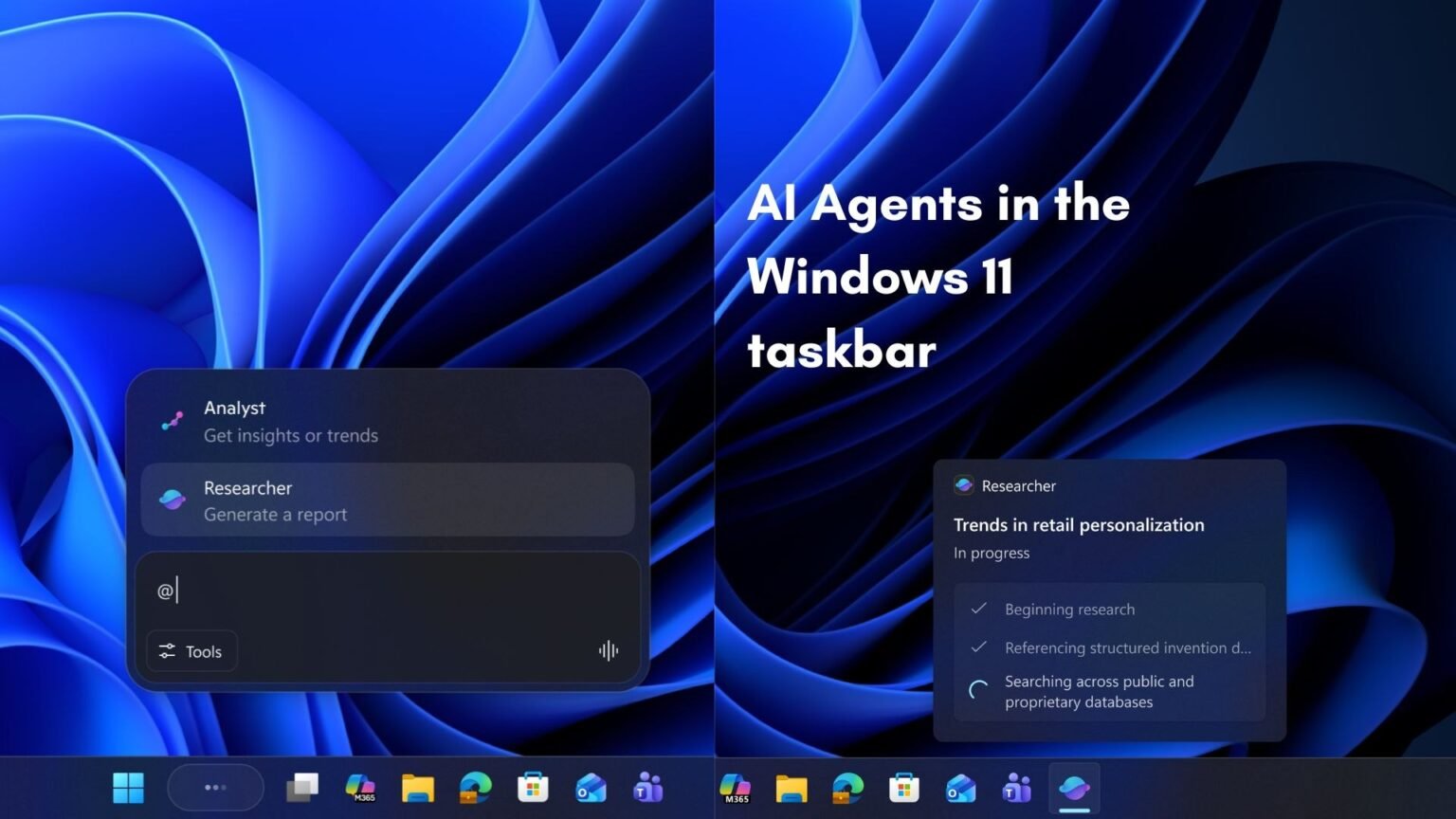

At Build 2026, Microsoft turned the desktop OS into an agent platform. Here is what the Windows Agent Framework, native runtime, and hybrid inference actually mean for developers.
What is the Windows Agent Framework?
The Windows Agent Framework is the set of operating-system services, SDKs, and tools Microsoft announced at Build 2026 (June 2, 2026) that turns Windows 11 into a native host for AI agents — software that can plan, call tools, hold memory, and act on a user’s behalf without being a traditional foreground app. Instead of every agent shipping its own lifecycle manager, identity scheme, and sandbox, Windows now provides those primitives at the OS level.
Concretely, that means an agent registers with Windows, receives an OS-enforced identity, runs inside a containment boundary the OS controls, and can be discovered, governed, and audited like any other managed workload. Microsoft frames the goal plainly: an environment where agents can “run, be identified, be contained, be audited, and be managed.”
One important clarification up front, because the marketing blurs it: there are two related-but-distinct things shipping. The first is the Microsoft Agent Framework, a cross-platform SDK for building agents that reached stable, generally available status at Build. The second is the Windows-native agent runtime in Windows 11 26H2, which is a preview rolling out to Windows Insiders in June 2026. You build agents with the former; you host them natively on the desktop with the latter. Throughout this guide, “Windows Agent Framework” refers to that native Windows hosting story.
This matters for anyone planning a roadmap. The SDK you can adopt today; the OS-level runtime, store, and containment features land on a staggered preview-to-GA schedule through the second half of 2026.
How does the native agent runtime in Windows 11 26H2 work?
The Windows 11 26H2 agent runtime is a background OS service that manages an agent’s full lifecycle — registration, health, memory, permissions, and isolation — so the agent behaves like a first-class system citizen rather than a script you babysit. Microsoft describes the runtime as built on WinRT underpinnings with a rule engine for access controls, and it began rolling out to Insiders alongside 26H2 (internally referred to as “Helios”).
The developer workflow is declarative. You describe an agent’s intents, actions, and safety constraints in a manifest, then package it. Reporting from the preview points to a manifest-driven model and command-line packaging — sources reference both a declarative agent manifest and a CLI utility that bundles a manifest into a deployable agent. Treat the exact file names and tool names as preview-era details that may shift before GA; the durable concept is manifest-defines-capabilities, runtime-enforces-them.
Around the runtime sit the coordination services. An agent registration service keeps agents alive and versioned; a memory service provides persistent, agent-native context storage; and an inter-agent communication layer lets agents signal each other through a pub/sub bus rather than hard-coded dependencies. The cross-platform SDK exposes the same shape through four primitives developers will actually code against.
What is the Copilot Agent SDK and how do you build an agent?
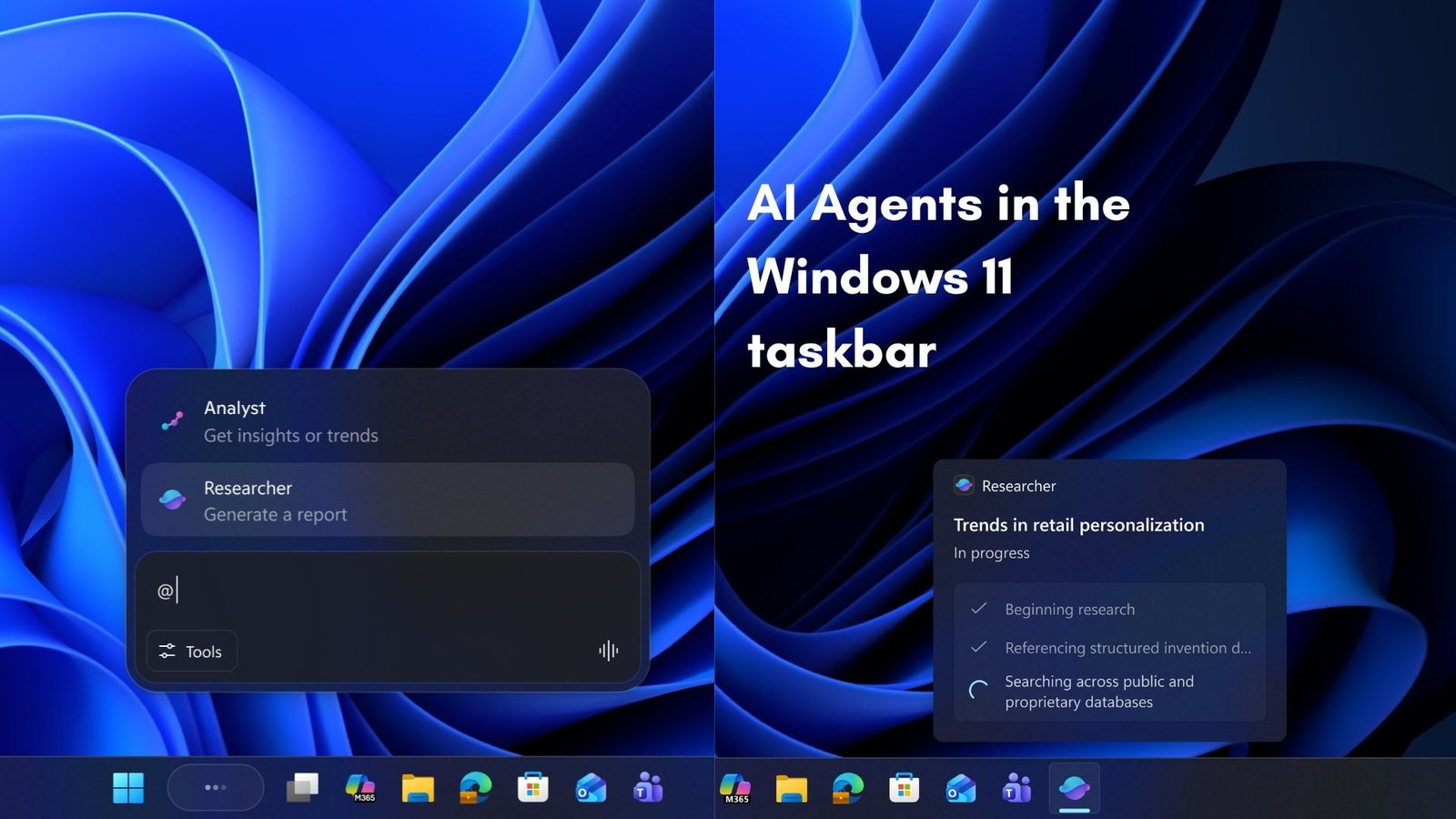
The Copilot Agent SDK — delivered through the now-GA Microsoft Agent Framework — lets you build an agent once in C# or Python and surface it inside Copilot, Teams, Outlook, and even the Windows taskbar. The framework’s stable release supports .NET (C# as the primary language) and Python with consistent APIs across both runtimes.
The mental model is four programming primitives. An Agent is the base execution unit with a defined role, tool access, memory configuration, and an optional model override. An AgentGroup is an orchestrated set of agents with a configurable topology — broadcast, hierarchical, or peer-to-peer. An AgentRuntime is the execution host, targeting local process, container, or Azure-managed deployment. And a ToolRegistry is where you declaratively register MCP servers, REST endpoints, function tools, and OpenAPI-described services.
Two interoperability decisions make this more than a walled garden. The framework speaks the Model Context Protocol (MCP) for tool discovery and invocation, so your agent shares the same tool surface that Claude and Gemini agents use. And its agent-to-agent (A2A) communication is wire-compatible with Copilot Studio’s A2A implementation, so SDK-built agents and Copilot Studio agents coordinate in mixed deployments without custom adapters. Built-in extras include persistent memory backed by Cosmos DB or Redis, circuit breakers for failure recovery, and structured observability that flows into Application Insights.
Microsoft Agent Framework = the cross-platform SDK (GA at Build 2026). Windows agent runtime = the native OS host in 26H2 (Insider preview). Agent 365 = the governance and identity control plane. Windows Agent Store = the distribution marketplace. They are four layers of one stack, not synonyms.
How does hybrid local-cloud inference work on Copilot+ PCs?
Hybrid local-cloud inference means quick, latency-sensitive, or privacy-sensitive work runs on the PC’s NPU, while heavier reasoning is offloaded to cloud models — ideally without the developer hand-wiring the split. On-device execution is anchored by Microsoft Foundry on Windows (the Windows AI Foundry stack), which bundles the ONNX Runtime, DirectML, and the Copilot Runtime into a single installation target and exposes NPU-optimized models through Windows AI APIs.
The local brain on a Copilot+ PC is Phi Silica, a small language model Microsoft tuned specifically for NPU silicon; a May 2026 servicing update (Phi Silica engine 1.2605.856.0) extended it to AMD Copilot+ hardware. Phi Silica handles fast, on-device language tasks; cloud agents handle the heavy lifting. Microsoft’s multi-model Copilot routing layer can dispatch requests across larger frontier models and on-device SLMs depending on the workload.
Local-only execution is free — you pay nothing to run an agent on the user’s own NPU. Cloud-hosted execution through Azure AI Foundry is metered on consumption: per-agent invocation and per tool call. That pricing seam is exactly where the hybrid model gets interesting: the more you can keep on the device, the lower your marginal cost, which inverts the usual incentive to route everything to the biggest cloud model.
What hardware do on-device Windows agents require?
On-device agents target Copilot+ PCs, which require an NPU rated at 40 or more TOPS, at least 16 GB of RAM, a 256 GB SSD, and Windows 11 version 24H2 or newer. Below that bar, agents still run — but the inference falls back to the cloud rather than the local NPU, changing both the latency profile and the cost profile.
Qualifying silicon spans the major vendors: Qualcomm’s Snapdragon X Elite and X Plus, AMD’s Ryzen AI 300 series, and Intel’s Core Ultra 200V (Lunar Lake), all of which clear the 40-TOPS threshold. The table below summarizes the capability-and-requirement matrix across the stack, with each layer’s status as Microsoft labeled it at Build 2026.
Read the status column carefully. The picture is a GA core SDK surrounded by preview-stage OS features — which is normal for a platform launch, but it means a production plan should lean on the GA pieces and treat the runtime, store, and containment SDK as things to pilot, not ship on.
| Layer | What it does | Requirement / scope | Status |
|---|---|---|---|
| Microsoft Agent Framework (SDK) | Build agents in C#/Python; Agent/AgentGroup/AgentRuntime/ToolRegistry primitives | Cross-platform; MCP + A2A support | Generally available |
| Windows native agent runtime (26H2) | OS service for agent lifecycle, memory, identity, isolation | Windows 11 26H2; Insider channels | Preview (Insiders, June 2026) |
| On-device inference (Phi Silica / Foundry on Windows) | Local NPU inference via ONNX Runtime + DirectML | Copilot+ PC: 40+ TOPS NPU, 16 GB RAM, 256 GB SSD, Win11 24H2+ | GA on Copilot+ PCs |
| Microsoft Execution Container (MXC) SDK | OS-enforced containment via process/session isolation | Windows; policy-defined | Early preview |
| Windows 365 for Agents | Run any agent in an isolated, policy-governed Cloud PC | Windows 365; Agent 365 integration | Generally available |
| Foundry hosted agents | Managed cloud runtime: sandboxing, state, durable filesystem | Azure AI Foundry | GA expected early July 2026 |
| Windows Agent Store | Distribution marketplace; 85% developer revenue share | Windows; preview | Preview |
How does Windows secure and govern AI agents?
Windows governs agents with a layered model: the OS gives each agent an enforced identity and a containment boundary, while Agent 365 extends Entra, Defender, Purview, and Intune over every agent regardless of where it runs or which framework built it. This is the part that is genuinely hard to replicate outside an OS vendor, because identity and isolation are enforced below the application layer.
Containment comes from the Microsoft Execution Container (MXC) SDK (early preview), which lets developers and IT define containment and policy that the OS applies through isolation technologies such as process and session isolation. For fully isolated execution, Windows 365 for Agents (GA) runs any agent inside a policy-governed Cloud PC with Intune controls. Microsoft has said Agent 365 integration with MXC begins in July.
Visibility comes from the security stack working in concert: Microsoft Defender investigates agent activity with advanced hunting and exposure graphs of network connections; Microsoft Entra contributes identity and management; and Microsoft Intune applies policies that can block specific agent execution methods. The Agent 365 Agent Registry discovers unmanaged local agents — Microsoft cites 20-plus types — and is slated to add runtime protections for risky prompts and insight into unsafe behaviors. Most of these governance capabilities are in preview, with broader availability following the runtime.
Pros
Cons
What is the Windows Agent Store and what does it mean for developers?
The Windows Agent Store is a curated marketplace, in preview at Build 2026, where developers distribute agents with an 85% revenue share — far above the 30% standard on mobile app stores. Enterprise distribution is bundled into a new Microsoft 365 “E7 + Agent 365” SKU priced at roughly $99 per user per month, signaling that Microsoft sees agents as a per-seat platform business, not a one-time download.
The generous split is strategic. Margin given away on transactions is cheap if it makes Windows the default place agents are registered, identified, contained, and billed. Early partners cited in coverage include Adobe (an InDesign workflow agent) and Zoom (an autonomous meeting agent), which hints at the intended pattern: established ISVs wrapping existing products as agents that live in the taskbar and Copilot surfaces.
For an independent developer, the practical takeaway is to build to the portable layers — the GA SDK, MCP, and A2A — so your agent isn’t locked to a single host, then opt into the store and Agent 365 governance where the distribution and enterprise trust are worth the coupling. Microsoft plans to ship the broader tooling with the Windows 11 26H2 SDK in the weeks after Build, with the agent runtime and store features maturing through preview toward general availability over the second half of 2026.
“Windows is no longer just where agents run. It is becoming where they are registered, identified, contained, and billed.”
On Microsoft’s agent-platform strategy
Should you build on the Windows Agent Framework now?
A credible OS-level agent platform — GA at the SDK, preview at the edges
Build on the generally available Microsoft Agent Framework SDK today, but treat the Windows-native runtime, MXC containment, and Agent Store as pilots until they reach GA later in 2026. That split lets you ship real agents now on a stable SDK while staying ready for the OS-level capabilities the moment they harden.
The defensible bet is the part only Microsoft can do: OS-enforced identity and containment, paired with free on-device inference on Copilot+ PCs. If your users are on qualifying hardware and inside the Microsoft 365 estate, the Windows Agent Framework is poised to be the path of least resistance for trustworthy, governed agents. If they aren’t, lean on MCP and A2A so you keep optionality across hosts.
The honest summary is that Microsoft has announced a complete vision and shipped the foundation, not the whole building. The SDK is here; the OS runtime is a preview; the governance plane is mostly preview; the store is preview. That is a strong, credible start — but plan around the status labels, not the keynote slides.
Builder’s take
I build agent infrastructure for a living (Cyntr and Loomfeed), so I read the Build 2026 announcements through one lens: where does the runtime boundary actually sit, and who owns identity? A few honest reactions:
- The smartest move is OS-enforced agent identity and containment. Most agent frameworks bolt identity on at the app layer; baking it into the kernel’s isolation primitives (MXC) is the kind of thing only an OS vendor can credibly do.
- Watch the naming carefully. The cross-platform Microsoft Agent Framework SDK is GA; the Windows-native runtime is a 26H2 Insider preview. Those are different maturity levels and conflating them will burn you in planning.
- The 85% Agent Store revenue share is a land grab, not charity. It is cheap to give away margin when the real prize is making Windows the default place agents are registered, identified, and billed.
- Hybrid local-cloud inference is the genuinely hard engineering problem. Routing a task between a 40-TOPS NPU and an Azure endpoint without the developer hand-wiring it is where this either becomes magic or becomes latency soup.
- If you are not on the Microsoft stack, the portable wins are MCP and A2A. Build to those protocols and you keep optionality no matter whose runtime hosts your agent.
Frequently asked questions
It is the set of OS services, SDKs, and tools Microsoft announced at Build 2026 (June 2, 2026) that makes Windows 11 a native host for AI agents. It provides agent identity, lifecycle management, memory, isolation, and coordination at the operating-system level, so agents register with and are governed by Windows rather than managing all of that themselves.
It depends on the layer. The cross-platform Microsoft Agent Framework SDK reached general availability at Build 2026. The Windows 11 26H2 native agent runtime, the Microsoft Execution Container (MXC) SDK, and the Windows Agent Store are in preview, with components maturing toward GA through the second half of 2026. Foundry hosted agents were expected to reach GA by early July 2026.
On-device inference targets Copilot+ PCs, which require an NPU rated at 40 or more TOPS, at least 16 GB of RAM, a 256 GB SSD, and Windows 11 version 24H2 or newer. Qualifying chips include Qualcomm Snapdragon X Elite/X Plus, AMD Ryzen AI 300, and Intel Core Ultra 200V. On lesser hardware, agents fall back to cloud inference.
It is the developer toolkit, delivered via the GA Microsoft Agent Framework, for building agents that appear in Copilot, Teams, Outlook, and the Windows taskbar. The stable release supports .NET (C# as the primary language) and Python with consistent APIs, and is organized around four primitives: Agent, AgentGroup, AgentRuntime, and ToolRegistry.
Latency- and privacy-sensitive tasks run locally on the Copilot+ PC’s NPU using NPU-optimized models like Phi Silica through Microsoft Foundry on Windows (ONNX Runtime plus DirectML), while heavier reasoning is routed to cloud models. Local execution is free; cloud execution through Azure AI Foundry is metered per agent invocation and per tool call.
Windows enforces a per-agent identity and a containment boundary at the OS level. The Microsoft Execution Container (MXC) SDK applies isolation such as process and session isolation; Windows 365 for Agents runs agents in isolated Cloud PCs; and Agent 365 extends Entra, Defender, Purview, and Intune across all agents. Most of these governance capabilities are in preview as of Build 2026.
Primary sources
- Build 2026: Microsoft Makes Windows an Agent Platform for AI Developers — Windows News
- Microsoft Build 2026: Securing code, agents, and models across the development lifecycle — Microsoft Security Blog
- What’s new in Microsoft Foundry | Build Edition — Microsoft Foundry Blog
- Microsoft Build 2026 Developer Preview: Windows Agent Runtime, Multi-Model Copilot, and the Agentic Stack — DEV Community
- Developer-Optimized Windows 11 Experience Announced at Build 2026 — WinCentral
- Develop AI applications for Copilot+ PCs — Microsoft Learn
- Windows 11 Copilot+ PCs Require 16 GB RAM and AI Chip with 40+ TOPS — ITdaily
- Microsoft Just Launched the App Store for AI Agents — 85% Revenue Share, Native in Windows — FourWeekMBA
Last updated: June 2, 2026. Related: Agent Infrastructure.




